So, having been in communications and IT all our working lives, how did/do we deal with raising anchor and living permanently on the road?
We have some answers to most aspects relating to this, that at the moment anyhow, seem to work for us. We’ll try to come back with updates as and if anything substantive changes.
Devices
User devices
As noted above, we’ve been IT-oriented since almost the beginning of personal computers, and from the early ’80s through until we sold our Granville house there have always been multiple PCs in the home. Looking at the space constraints of living in a van (albeit a pretty big one) we made a very deliberate effort to rationalise the number of end-user devices we owned.
As such, we each have a laptop PC (Lenovo IdeaPad Flex 5 14″) running Windows, a Samsung Galaxy Tab S6 Lite (Android) and a Samsung S22 Ultra. All of these are starting to show their age a little, but will likely be replaced when the time comes with something generally equivalent.
We both tend to use these vaguely similarly, with slightly different emphases: the PCs for general computing (and games for Dean), the tablets and phones more for content consumption (and Reen’s games/puzzles). This aligns with general observations; on-screen keyboards are limiting and trying to type anything more than a quick email or text message on them is usually frustrating1.
We also consciously try hard to ensure that any content either generated or downloaded is managed appropriately (see below) and this often means using the PC as that aspect seems more straightforward in that environment.
Smart devices
No IT discussion these days can ignore the presence and impact of “smart” devices: those items and appliances that were once considered completely unrelated to computing but are now connect to “the network” to provide information or facilitate control. Noting our deliberately low-key approach to networking (see the discussion below), we have not tried to connect everything we own!—for example we don’t have the wi-fi module installed in the air conditioner (getting out of the chair is good exercise 🙂 ).
Items currently connected that fit into this category include:
- the TV, a Samsung smart unit with an ethernet connection; and
- a digital photo frame, that we use in lieu of having the grandkid’s (and other) pictures in frames; and
- a Lenovo clock beside the bed (mostly just because we had it already, we probably won’t replace it when it fails); and
- a Grid Connect camera over the kitchen bench that allows us to keep an eye on the TCs when we’re away from the van; and
- at least one Arlec smart plug2 providing timed on/off for the towel rail.
Network
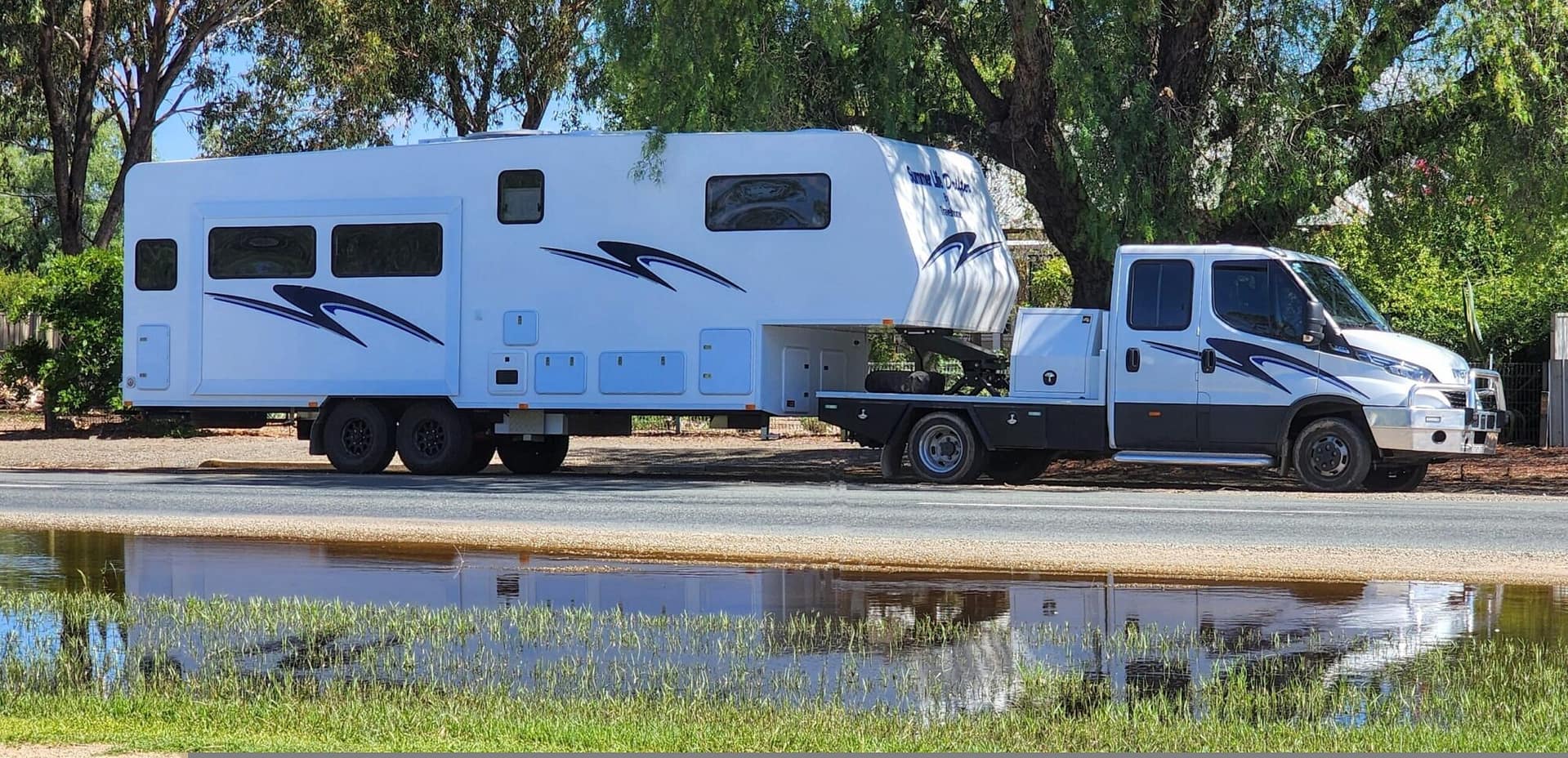
During the build of our van, Travelhome freely admitted that they were RV builders, not IT geeks and left all IT infrastructure decisions to us and worked with us to build in what we specified.
The core of our van’s network is a Teltonika RUT-X11 router; an industrial-grade, 4-port dual-SIM wi-fi router with built-in GPS and Bluetooth. It has a significant advantage in that it runs on 12v, and is therefore very power-efficient in the mobile environment.
Currently, only two of the four ethernet ports are connected; to the TV and the NAS (see below), with all other connections being wireless.
We currently have a single SIM installed, with a just-above-entry-level plan from a Telstra reseller that provides a modest data allowance per month. The router can also connect to other wi-fi access points as required, which is useful for saving mobile data, and we both have significant accumulated roll-over data capacity on our phone plans for tethering (to either individual devices or to the router) as needed.
Data storage and management
Having suffered a few data disasters in our time, both at work and domestically, we are acutely conscious of the “value” of our data, and hence the value of managing it appropriately (that last bit means “backup” 🙂 ).
While this is more properly the subject of it’s own post—I’ll get to that one day—it’s worth saying here that if you are not backing up your data (documents, photos, contact list, etc), then you’re facing a world of hurt at some point in the future. Note that this is a “when”, not an “if”: sooner or later whatever storage you may be relying on *will* fail, probably catastrophically.
So, what do we do? Without pre-empting the separate post noted above, simply we keep as much data as possible on a NAS (Synology DS918+) which is in turn backed up selectively to Google Drive and more completely to two portable USB drives on a rotational basis.
We also make extensive use of Google Drive and Google Photos3 separately from individual devices, but this is more of “bonus” than an integral part of the primary backup plan.